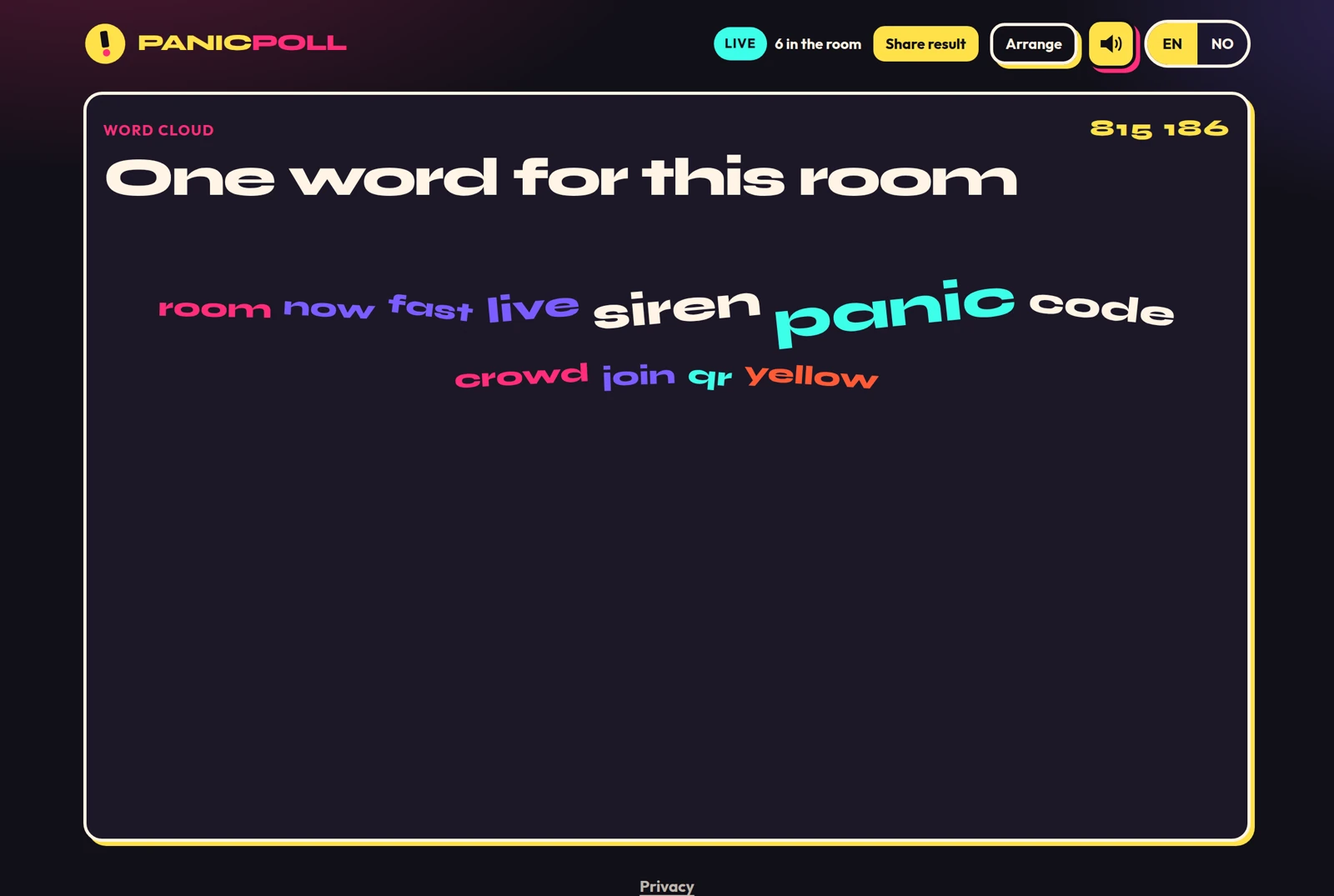
Word cloud
Everyone sends their own words. The room sees the words and how often they landed, not who wrote them.
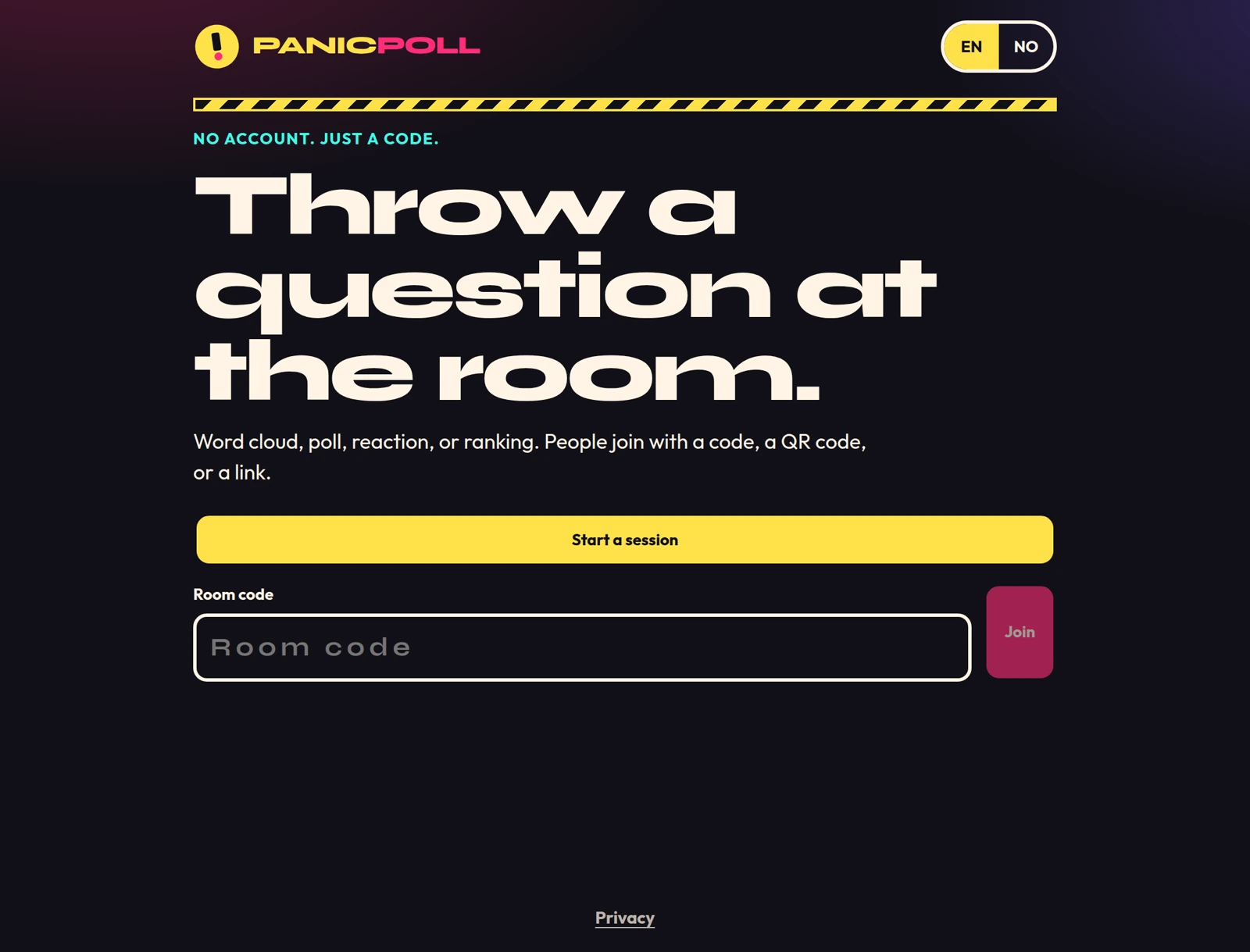
No account. Just a code.
Word cloud, poll, reaction, or ranking. People join with a code, a QR code, or a link.
Opens the live app. Sound plays on hover and when you press.
PanicPoll is for a talk, a classroom, or a meeting. The host throws one activity at the room. Guests join from their phones. Nobody makes an account. Twelve hours after the room is created, it is deleted.
Everyone sends their own words. The room sees the words and how often they landed, not who wrote them.
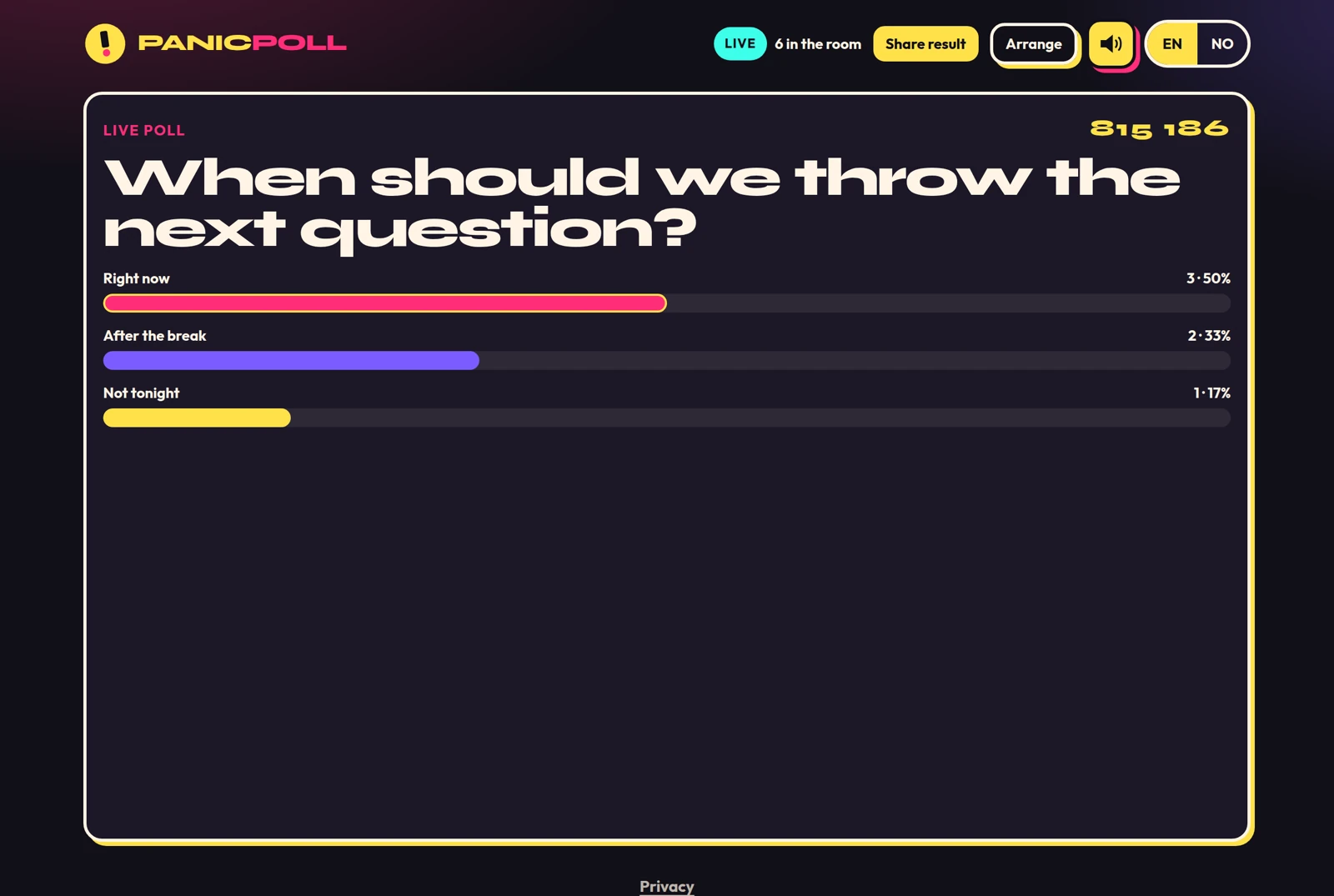
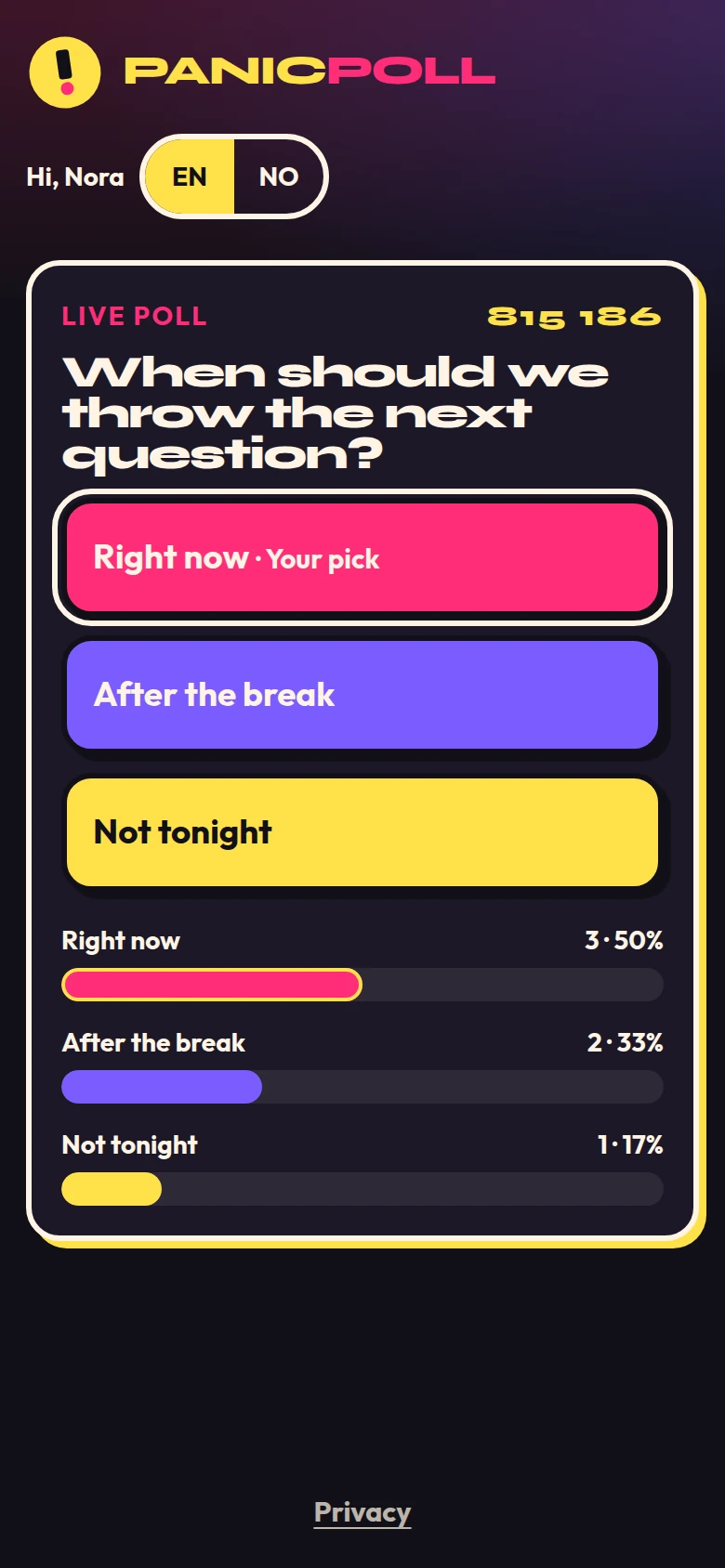
One question, a handful of options. Totals and percentages move as people answer. Each person can change their pick until the host locks.
Yes, not sure, or no. One answer each, live on the big screen, and they can switch until the host locks.
The room orders a list of 3 to 6 options. First place scores the most. Points show. Names do not.
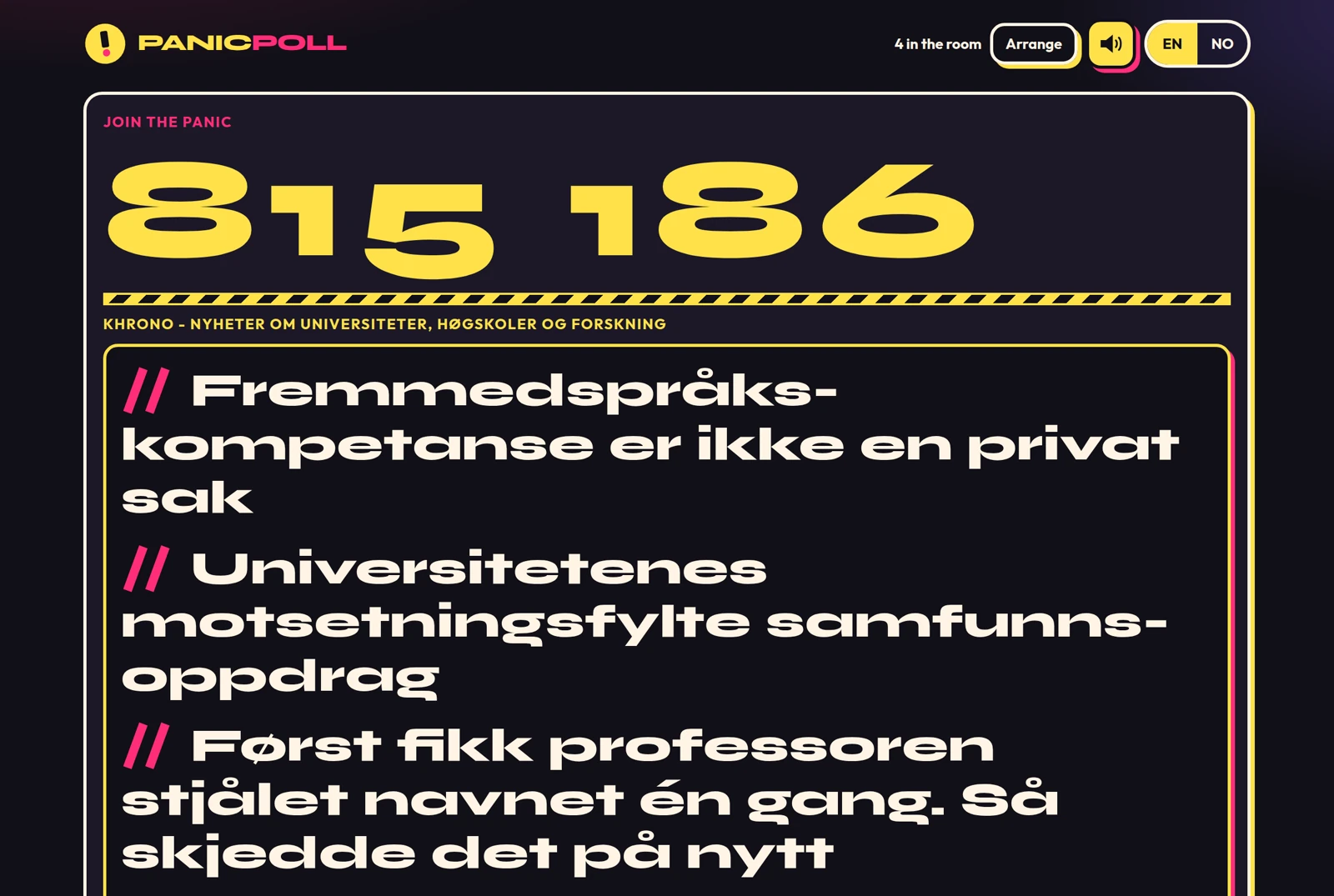
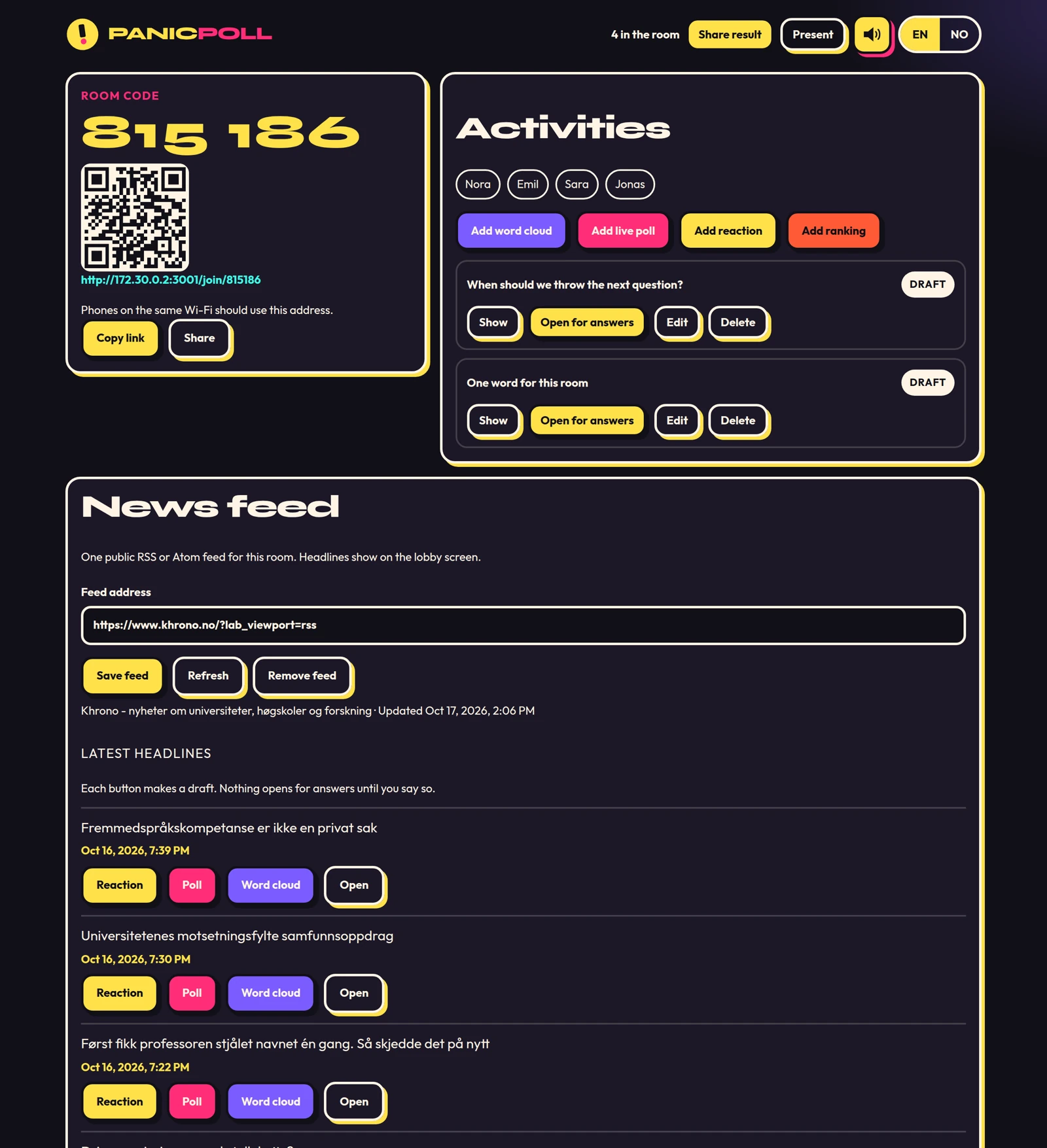
The host attaches one public RSS or Atom feed. Headlines scroll on the lobby screen and refresh about every five minutes.
A siren only the host controls. It plays when a room opens or locks, plus a lobby loop the host can mute.
Share result draws a picture in the browser. PanicPoll does not upload it. The picture has the question, the result, and the room code.
You are the host. Still no email, no password, no profile.
The lobby puts up a six-digit code, a QR code, and a link. Big enough for the back row.
People type the code, scan the QR, or open the link. Answers start landing.
You do not sign in. There is no separate user database. A room lives in memory and one JSON file, and is deleted 12 hours after it was created. The result screen does not put a name on a single vote. No ads, no analytics, and no tracking cookies.